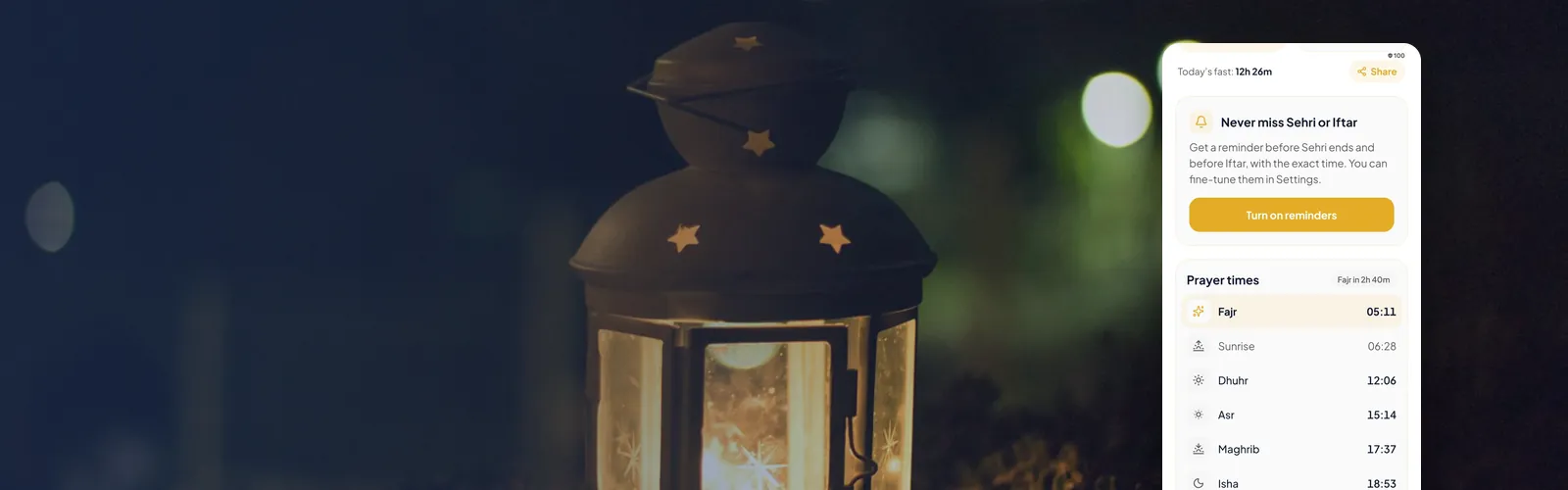
Short answer: turn on reminders in the app, allow notifications and Alarms & reminders access when Android asks, and remove battery restrictions for the app. By default you're reminded 30 minutes before Sehri ends and 15 minutes before Iftar, and every reminder states the exact time.
How the reminders work
- Before Sehri ends: 30 minutes before by default. Change it to suit how long you need.
- When the fast begins: a short note when Sehri has ended.
- Before Iftar: 15 minutes before by default, enough time to get the food on the table.
- Ramadan only, or all year: switch off Only during Ramadan to get reminders for voluntary fasts too.
Reminders are planned two weeks ahead on your phone and refreshed whenever you open the app, change a setting or switch location, so they keep working offline.
Why every reminder states the time
You won't get an alert saying “It's time for Iftar now”. Android can hold notifications back for a minute or two to save battery, and a late “now” alert could tell someone to break their fast at the wrong moment. Instead, each reminder says the actual clock time, such as “Iftar is at 5:37pm today”, which stays true even if it arrives a little late.
Android settings that keep reminders on time
- Allow notifications for Iftar Times when the app asks, or in Settings → Apps → Iftar Times → Notifications.
- Allow Alarms & reminders. On Android 12 and later, this special access lets the app schedule reminders for an exact minute. Without it, Android may deliver them a few minutes late.
- Remove battery restrictions: in Settings → Apps → Iftar Times → Battery, choose Unrestricted. On Samsung phones you can also add the app to Never sleeping apps.
- Check Do Not Disturb. If you use it overnight, allow notifications from Iftar Times, or you'll miss the Sehri reminder.
Waking up for Sehri
A notification is a gentle nudge, not an alarm clock. If you're a deep sleeper, set your phone's regular alarm for a fixed time and use the app's reminder to tell you exactly how long you have left. The countdown on the Today screen shows the same thing at a glance.